


Page 71 - Mobile-En-V3
P. 71
• Users can enable or disable showing private calendars

including the Birthdays Calendar (imported from Google

Contacts) and the Holiday Calendar (a country-specific

calendar that displays dates for special occasions).

• Another useful feature of Google Calendar is its ability to

sync with other Calendars such as Outlook or Apple

Calendar. To do this go to "Settings" in the application menu

and select "Accounts" > choose "Add Account" and choose

the Calendar service you want to sync with.

• You can also share your Calendar with others by going to

"Settings" and choosing "Share with specific people." This

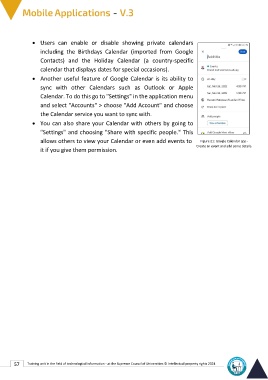
allows others to view your Calendar or even add events to Figure 21: Google Calendar app -
                                                               Create an event and add some details.
it if you give them permission.

57 Training unit in the field of technological information - at the Supreme Council of Universities © Intellectual property rights 2024

